

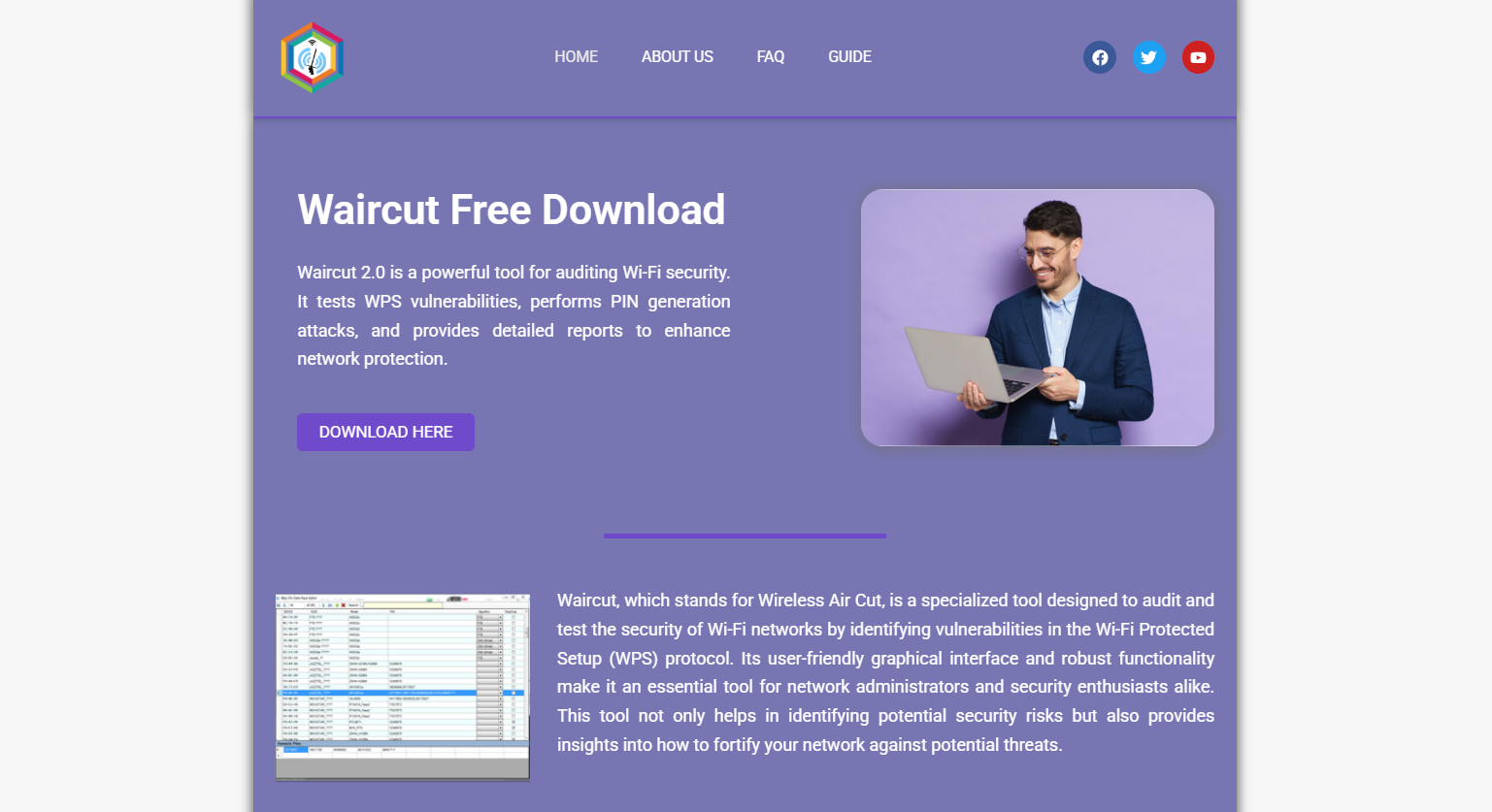
Waircut has emerged as one of the most effective tools for identifying WPS vulnerabilities in wireless networks. As internet users grow increasingly concerned about Wi-Fi security, this tool has gained popularity for its ease of use and advanced scanning features. Built specifically for Windows users, Waircut allows anyone—from tech enthusiasts to cybersecurity professionals—to test the security of their networks and identify potential points of entry hackers might exploit.
This comprehensive guide explores how Waircut scans for WPS vulnerabilities, how it works behind the scenes, its compatibility, installation process, scanning modes, and the importance of its functions in today’s security-conscious environment.
Background on WPS Vulnerabilities
Wi-Fi Protected Setup (WPS) was designed to simplify the process of connecting devices to a wireless network. With just the push of a button or the entry of a PIN, users could quickly join a secure network without typing in long passwords.
However, this convenience came with a security trade-off. The WPS PIN method is particularly vulnerable to brute-force attacks. Once the PIN is discovered, a hacker can easily retrieve the WPA/WPA2 key, granting them full access to the network. Despite updates and manufacturer warnings, many routers still ship with WPS enabled by default.
This widespread weakness created a need for specialized auditing tools—enter Waircut.
Waircut Overview
Waircut (Wireless Air Cut) is a portable, GUI-based Windows tool developed to assess the security of wireless routers that use WPS. It integrates with external libraries like JumpStart and Reaver, utilizing known vulnerabilities to test whether a router’s WPS implementation is safe or exposed.
The software is open-source and lightweight, offering rich features in a compact interface. Unlike command-line tools, Waircut simplifies the process for users who might not be comfortable working in terminal environments.
Installation Process
Waircut isn’t a plug-and-play tool in the traditional sense. It requires some dependencies to work effectively:
- JumpStart Application – Assists with PIN-based WPS attacks.
- .NET Framework 4.0+ – Required for running the graphical user interface.
- WinPcap or Npcap – Necessary for packet capturing and network interface recognition.
Once these are installed, users can run Waircut as a standalone application. No formal installation wizard is needed; you simply launch the executable file.
Interface and Usability
The interface is divided into a few intuitive sections:
- Wireless Adapter Selection
- Network List (with SSID, signal strength, encryption type)
- WPS Status
- Scan Options
- Attack Modes
This visual approach enables even novice users to understand what networks are nearby and what types of vulnerabilities may exist.
How Waircut Detects WPS Vulnerabilities
The real magic of Waircut lies in its scanning engine. It uses a combination of database-driven tactics and brute-force methods to detect and test known router WPS vulnerabilities.
WPS Protocol Analysis
Waircut starts by identifying access points that have WPS enabled. It does this by sending specially crafted packets that query the router’s WPS configuration. If the router responds with information indicating WPS is enabled, Waircut gathers relevant data like:
- Manufacturer details
- WPS version
- WPS mode (Push Button Configuration or PIN)
- Supported authentication and encryption types
This handshake confirms whether the router is open to further inspection.
PIN Database Matching
Waircut uses an internal database of known default WPS PINs. Many routers use predictable PINs based on MAC address or manufacturer details. The tool checks whether the network in question is using any of these default combinations. If a match is found, the router is vulnerable without any brute force required.
Brute Force Attack Simulation
When no default PIN matches, Waircut initiates a simulated brute-force attack. It systematically tests thousands of 8-digit PIN combinations. Due to a known design flaw in the WPS protocol, the attack can be reduced to two 4-digit halves—significantly cutting down the number of required attempts.
Some routers implement rate-limiting or lockout mechanisms, but many still fail to do so, allowing uninterrupted brute-force attacks until success.
Types of Scans Offered by Waircut
Waircut provides flexibility in scanning modes depending on the user’s needs:
- Passive Scan – Detects nearby networks and checks for WPS status without initiating active attacks.
- Aggressive Scan – Actively probes for vulnerabilities, attempting to extract the PIN or WPA key.
- Custom PIN Test – Allows users to input a specific PIN and check whether it grants access.
This multi-mode capability ensures both conservative and aggressive users can audit their networks based on personal or professional goals.
Integration with External Tools
Waircut doesn’t work in isolation. It’s designed to collaborate with:
- JumpStart – Automates the process of entering discovered PINs and connecting to the router.
- PixieWPS – A tool that accelerates PIN discovery using offline methods based on captured data.
By leveraging these external utilities, Waircut becomes more than just a scanner—it acts as a complete WPS audit suite.
Advantages Over Command-Line Tools
Tools like Reaver or Bully offer deep penetration testing capabilities but require terminal knowledge. Waircut abstracts this complexity with a user-friendly GUI, making it ideal for:
- Beginner users
- Educational labs
- Small-scale audits
- Quick home network scans
The graphical interface, real-time logs, and error handling features make it accessible to a wider audience.
Real-World Use Case Scenarios
Home Network Audit
A homeowner can use Waircut to check if their router’s WPS function is active and test its vulnerability using known default PINs. Once verified, they can disable WPS or update firmware.
Small Business Security
IT teams in small businesses can deploy Waircut to audit their office networks without investing in expensive enterprise tools. Quick scans ensure routers are properly configured, reducing risk from internal and external threats.
Educational Demonstrations
Cybersecurity courses often use Waircut to demonstrate how WPS works and why it’s flawed. The GUI makes it easy for students to visualize the scanning and attack process.
Ethical Considerations and Legal Usage
Although Waircut is a powerful tool, it must be used responsibly. Unauthorized access to networks is illegal and unethical. Always ensure you have explicit permission before scanning or attempting to access a wireless network.
Ethical hacking and penetration testing are vital for improving security, but they require a clear legal framework and documented consent.
Best Practices for Using Waircut
- Disable WPS – After scanning, if vulnerabilities are found, disable WPS from the router’s settings.
- Change Router Defaults – Avoid default SSIDs and passwords, which often correlate with known PINs.
- Regular Firmware Updates – Keep router firmware up to date to ensure recent security patches are applied.
- Use WPA3 or Strong WPA2 – Prefer WPA3 encryption if available, and use strong passphrases for WPA2 networks.
Limitations to Keep in Mind
Despite its strengths, Waircut is not without limitations:
- Windows-only compatibility
- Dependency on JumpStart and WinPcap
- Ineffective against routers with WPS disabled
- Detection may trigger alerts on secure networks
Still, for its niche purpose, Waircut remains an invaluable tool.
Importance of WPS Vulnerability Testing
With the growing number of connected devices and IoT integration, routers are more exposed than ever. A vulnerable WPS setup can be the weakest link in an otherwise secure environment. Testing your network with Waircut ensures you’re not blindly trusting factory defaults or outdated standards.
While newer security protocols continue to evolve, many users rely on older equipment that still ships with WPS enabled. Tools like Waircut bring awareness and empower users to take action before hackers do.
Final Thoughts
Waircut provides a practical, accessible, and effective way to audit WPS vulnerabilities. Its powerful scanning engine, easy-to-use interface, and integration with external tools make it one of the best choices for Windows users concerned about wireless security.
By understanding how Waircut works and using it responsibly, individuals and IT professionals can dramatically reduce the risk of unauthorized access to their Wi-Fi networks. In an age where cyber threats continue to grow, proactive network auditing is no longer optional—it’s essential.